


01 / DATA
External M.2 SSD
Move high-resolution video through the 10Gbps USB-C data path.



Mobile recording. Unrestricted.
Record to your own M.2 SSD, keep the phone powered, connect wireless audio and mount the complete rig around one compact hub.
The complete signal path
Storage, power and audio each get a dedicated connection, keeping the mobile filmmaking workflow clear from setup to final take.

Apple ProRes / external media
Record high-resolution footage to your own M.2 SSD instead of filling the phone. The 10Gbps USB-C data path is built to move large video files without slowing the shoot down.
Three USB-C ports
Move high-resolution video through the 10Gbps USB-C data path.

Power the phone and support longer recording sessions.

Keep a compatible receiver connected within the same rig.
Install your own drive
Choose the capacity and form factor that fits your workflow. The Pro SSD Hub accepts M.2 2230, 2242, 2260 and 2280 SSDs up to 8TB.

Full-size form factor
Before the first recording
For iPhone compatibility, prepare the drive as exFAT. Always back up existing files first because formatting erases the SSD.

A rig that moves with the shot
Built for the field
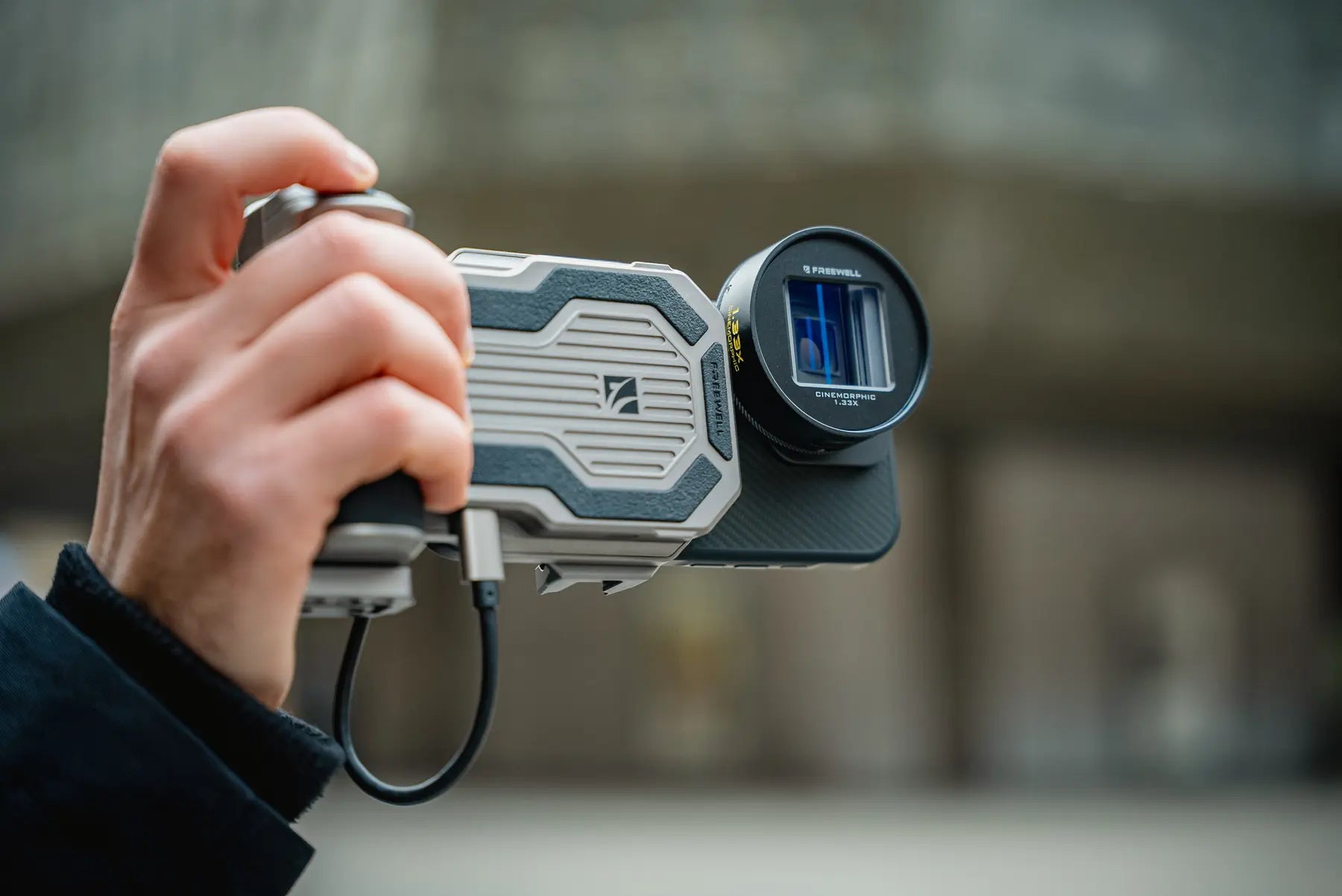
Storage, power and sound kept close to the phone.
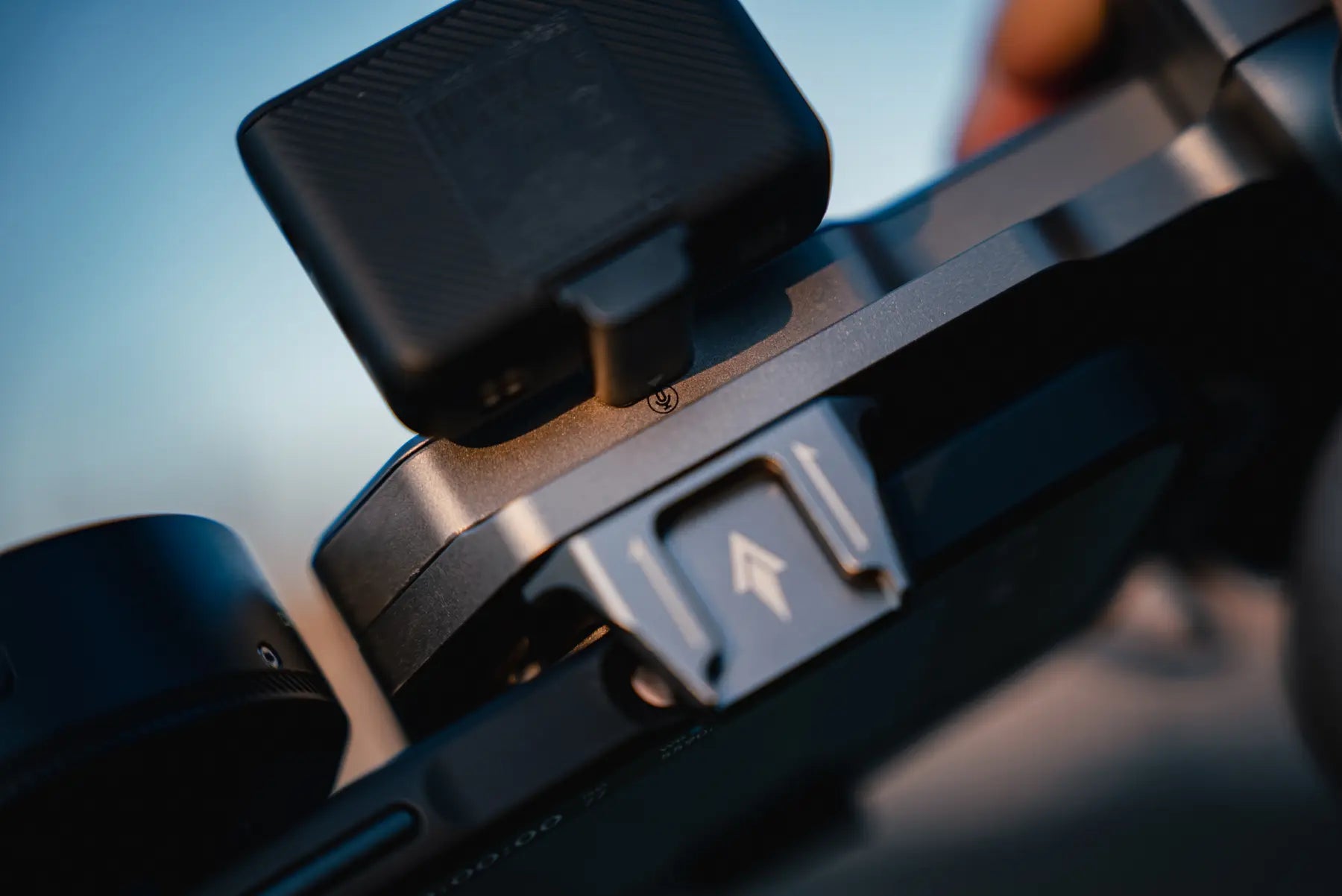
Add the microphone or light the scene needs.
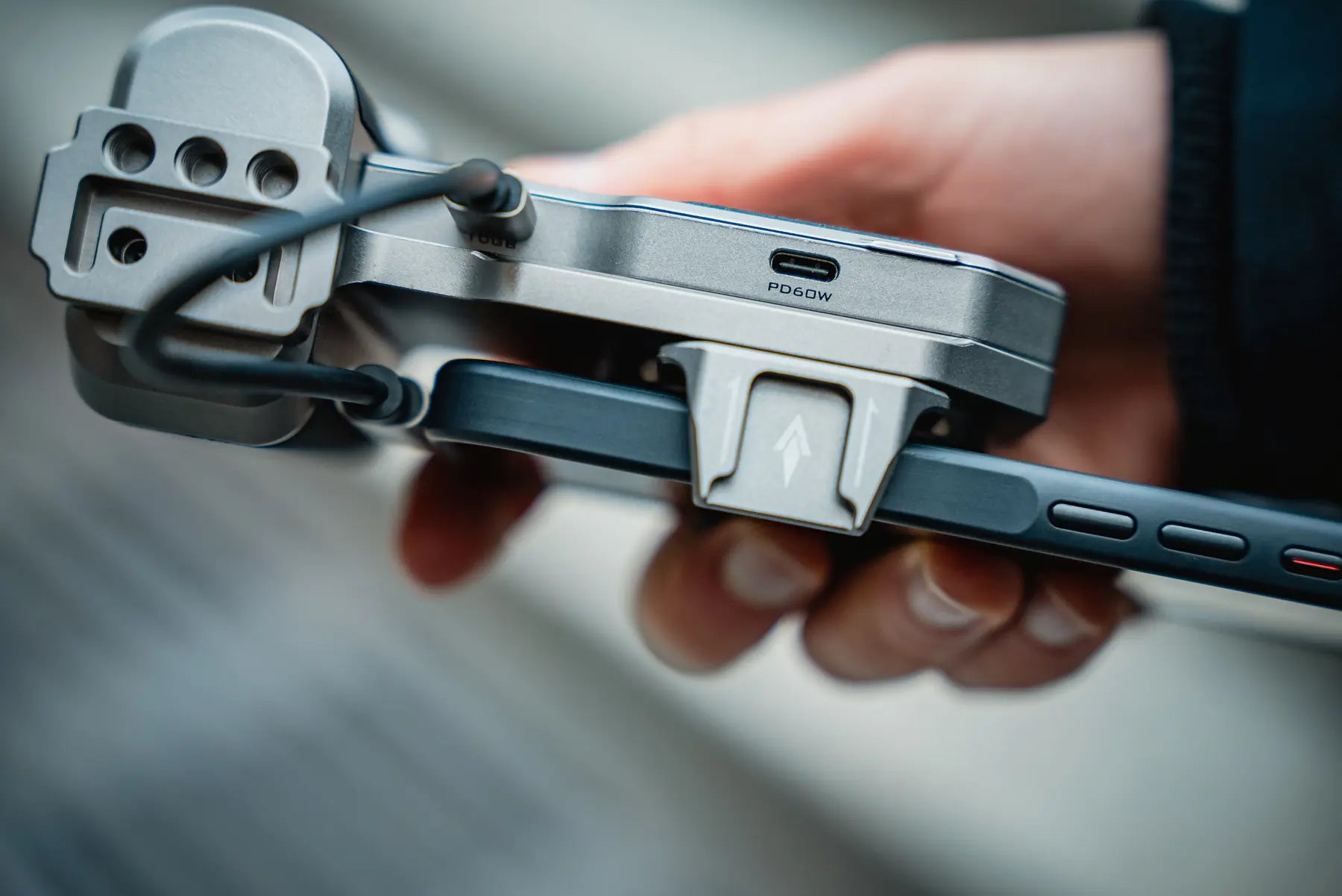
Fits phones 72–82mm wide and 6–11.5mm thick.

Bluetooth shutter
Trigger a photo or video from up to 15 meters away. Useful for locked-off shots, solo filming and moments when touching the rig would disturb the frame.
Check the recording chain
The hub provides the connection and storage path. The phone, recording format and camera app must also support external recording.
For supported Pro models and external recording workflows.
Currently listed by Freewell for compatible external recording.
Check external media support in both the phone and camera app.
Measure with the case installed if you plan to keep it on.
Pro SSD Hub FAQ
Clear answers about iPhone ProRes recording, Android compatibility, M.2 SSD requirements, power and setup.
It combines external M.2 SSD storage, 10Gbps USB-C data transfer, 60W PD charging, an accessory connection, a phone clamp and multiple mounting options in one compact smartphone filmmaking hub.
Yes. The Pro SSD Hub is designed for smartphones that support external recording, including iPhone 15 Pro and later Pro models listed by Freewell. Your phone, recording format and camera app must support recording to external media.
Freewell currently lists Samsung S25 Ultra and above. For any other USB-C phone, confirm that the phone and your camera app support external recording before use.
The hub supports M.2 2230, 2242, 2260 and 2280 form factors, with capacity up to 8TB.
For the simplest setup, use an M.2 SSD with power consumption of 5W or less. An SSD that draws more than 5W requires an external power source.
Use exFAT when preparing the SSD for iPhone compatibility. Back up any existing files before formatting because formatting erases the drive.
No. You install your own compatible M.2 SSD. The listed box contents are the Pro SSD Hub, charging cable and user manual.
The remote uses one CR1632 lithium battery. The battery is not included because of customs shipping restrictions. The listed control range is up to 15 meters.
The clamp supports phones 72–82mm wide and 6–11.5mm thick. Measure the phone with its case installed if you plan to keep the case on.

Capture. Store. Create.
External storage, continuous power and a cleaner mobile filmmaking workflow.